
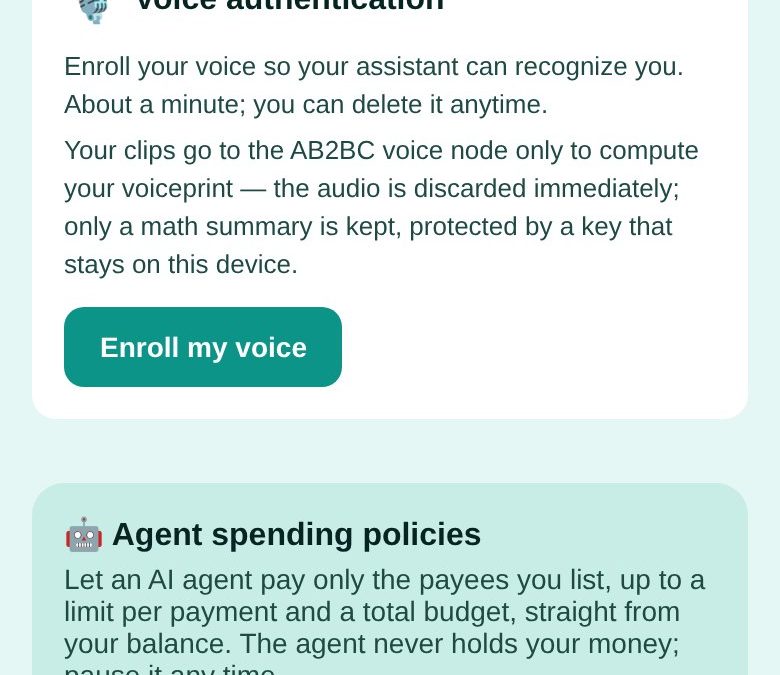
The fastest way to let an AI assistant buy things for you is to hand it your card or your wallet. It is also the worst way. AB2BC does it the other way round: the agent never holds your money, and it can spend only inside a policy you wrote.
What a spending policy says
- Who it may pay — a list of payees, nobody else.
- How much per payment — a hard limit on each one.
- How much in total — a budget the agent cannot exceed.
- Until when — and you can pause or end it at any time.
The agent pays from your account balance only through the policy. Larger payments need your approval, and every payment is on record.
Setting one up
- In the Ace wallet open Portals → AI Headless Wallet.
- Under Agent spending policies, tap + New agent policy.
- Add the payees, the limit per payment and the total budget, then save.
- Make funds available to your agents from your account balance — they stay yours.
Where it stands
This is a preview. You can set up policies and enrol your voice for voice authorisation today, but the voice-authorised agent cannot spend until it goes live. The assistant itself — in 25 languages, on AB2BC’s own AI servers — works now: ask it anything in the Assistant tab.
More on the assistant and the AI builders is on the AB2BC AI page.
Good to know: AB2BC runs on test networks today, so payments and rewards are for trying things out. Rewards are not investments, not income and not refunds; their value can go down as well as up.