
✅ Tools open — restaurant directory coming
Put your restaurant in the wallet.
Turn your printed menu into a digital one with AI, put a QR code on every table, and take orders and payments in USDC from the AB2BC wallet. Here is how, step by step.
Step 0
Find the tools
Everything below runs in the Ace wallet, in a browser.
- Open the wallet at ace.ab2bc.com and sign in (or create a wallet — it takes a minute).
- Tap Portals in the bottom bar, then the 🏛️ Portals tab. Tools for businesses are in the 💼 For businesses group further down.
What works today
- AI menu builder (from photos of your menu)
- Table QR codes
- Orders on the merchant point of sale — dine in, to go, pickup or delivery
- Payments in USDC from the wallet
- CITC rewards on qualifying meals (you set the reward %)
Coming: a public directory of member restaurants.
How-to 1
Build your menu with AI
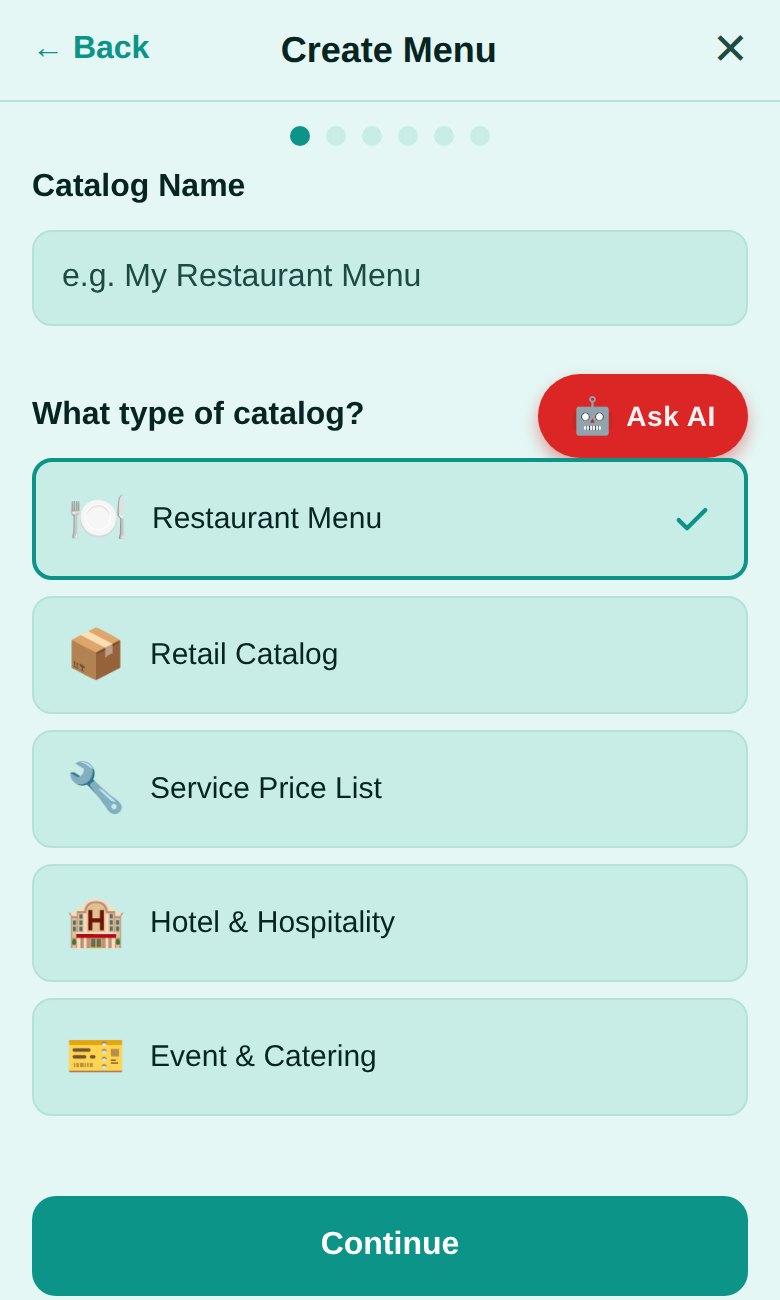
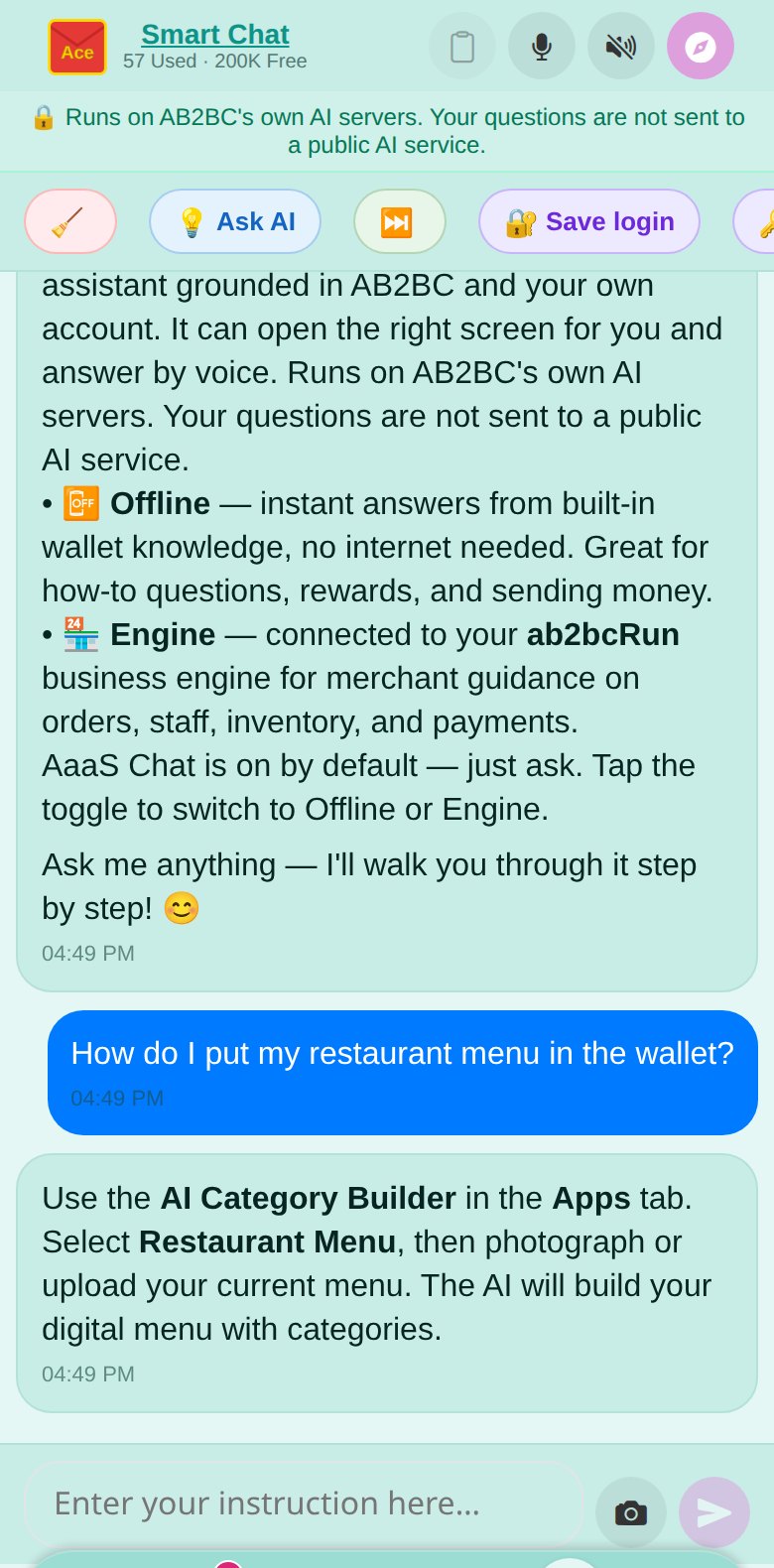
Photograph the menu you already have; the AI reads it and sets up categories, items and prices for you to check.
- Open AI Category Builder and give the catalog a name.
- Choose Restaurant Menu and tap Continue.
- Take Photo or Choose from Gallery — one clear photo per menu page — then Process with AI.
- In Review Your Menu, edit items, adjust prices and organise categories.
- Set the reward % you offer, switch on Table QR Codes and enter the number of tables.
- Tap Publish Menu. You can also Save Draft and finish later.
How-to 2
Take orders at the table
Guests order and pay from their own phone — no waiting for the bill.
- After publishing, open View Table QR Codes and Print All QR Codes; place one on each table.
- A guest scans the code, browses the menu (filters such as vegetarian, vegan, halal or gluten-free help), adds dishes and taps Pay Now — in USDC, from the AB2BC wallet.
- The order appears on your point of sale with its table number. Dine in, to go, pickup and delivery orders all land there; for delivery you can assign a driver.
- Refunds and cancellations are done from the order itself.
Honest limits
- Test network. AB2BC runs on test networks today: use it to try things out. Payments and rewards are not real money yet.
- Menus are read by AI: always check items and prices before publishing.
- Rewards follow the CITC programme rules. They are not investments, not income and not refunds; their value can go down as well as up.
Run a restaurant?
Start with your menu today; join CITC when you want your restaurant listed and your guests rewarded.
New guide: From paper menu to table QR ordering in one afternoon
More AB2BC categories: Services · Documents · AI · Healthcare · Pharmacy
Good to know. AB2BC runs on test networks today, so payments and rewards are for trying things out. Rewards are not investments, not income and not refunds; their value can go down as well as up. Not offered in mainland China. AB2BC · CITC Join · Contact